
XX7 Android app details
We keep the download link and the main requirements together here so there is a clear starting point for installing XX7. The file is served from a separate domain; xx7-game.app provides the app information and support pages.
| App detail | Published specification |
|---|---|
| App name | XX7 Game |
| Release listed | 1.0.4 (2026) |
| Package format | Android APK |
| Download size | Approximately 30 MB |
| Android requirement | Android 5.0 or later |
| Download domain | playnow99.vip |
| Support email | support@xx7-game.app |
Before installing
Check the Android version in the phone's settings and leave enough free storage for the download and installation. The approximate 30 MB figure refers to the APK; the installed app and its data can use more space.
When opening the file, review the app identity and the information Android displays. If it differs from the XX7 package expected, stop and contact our team with the details.
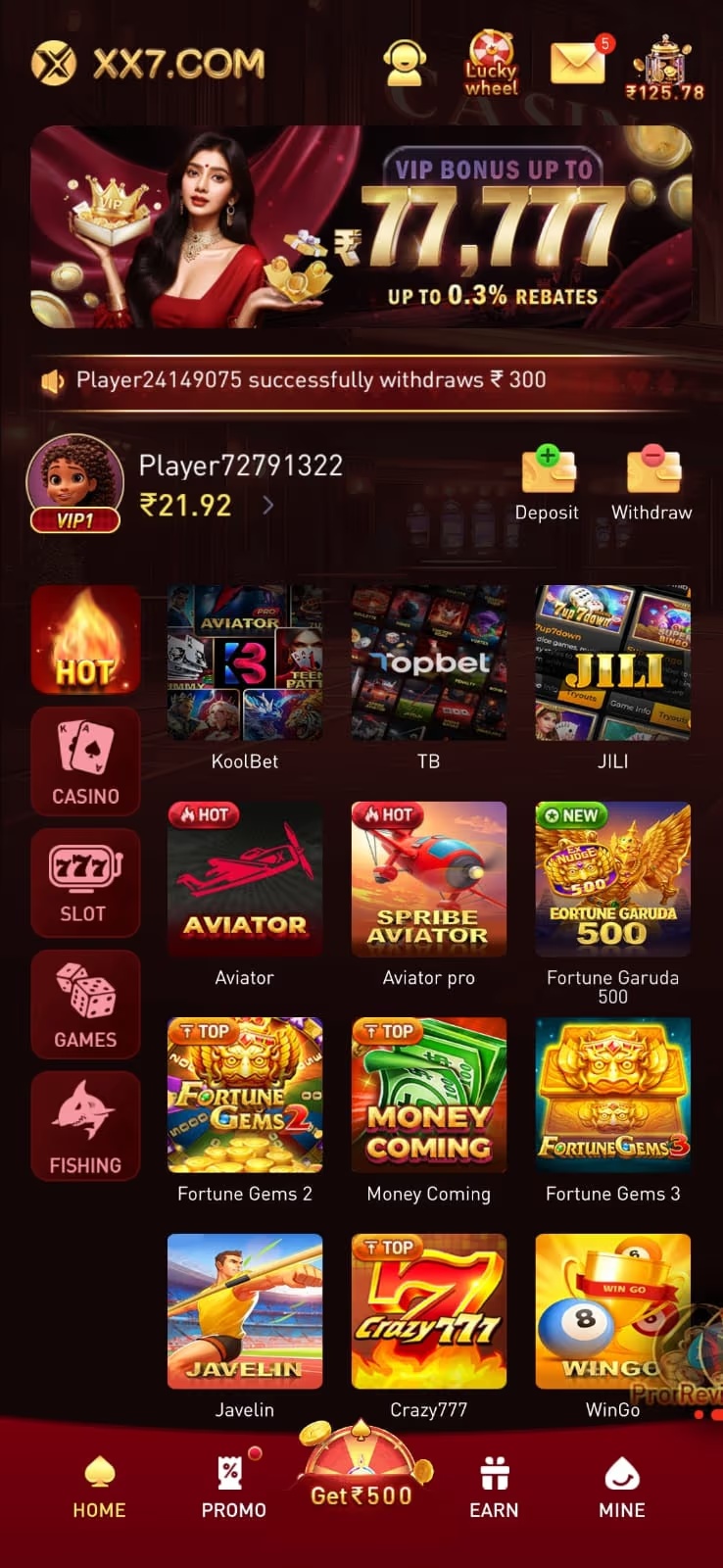
The lobby pictured here is an example of the XX7 interface. Our homepage has more screenshots of the game sections.
How to install the XX7 APK
The steps below cover the download and Android's installation process. The wording of a prompt can vary with the phone model and Android version.
- Open the download link. Select Download XX7 for Android above. The request goes to playnow99.vip.
- Wait for the file to finish. Check the browser's download list before opening the APK. An interrupted download may leave an incomplete package.
- Open the downloaded APK. Use the browser's download list or the phone's file manager to find it.
- Review Android's prompts. If the device requests permission to install from the browser or file manager, review the source and follow the settings shown for that device. Keep Play Protect enabled and resolve any security warning before continuing.
- Complete installation. Review the app information and permissions, then follow the installer. Open XX7 once the installation finishes.
- Use the app's account screen. Sign in with an existing account or follow the registration option shown in the app. Our account help explains the usual checks.
For Android's own guidance, see Google's information on downloading apps and Play Protect.
Updating an existing XX7 installation
Check the version shown in the installed app's information or in Android's app settings. This page lists release 1.0.4. If that version is already installed, downloading the same package again is not an update.
For an older installation, use the download route on this page and review the installer. If Android offers to update the existing app, follow that prompt. An update can fail when the installed app and the downloaded package have different identities or signing information.
Before removing an existing installation to troubleshoot a failed update, make sure the account's login and recovery details are available. Uninstalling can remove local app data. Send the exact error to our support team if the update still fails.